

 Login
Login

 March 20, 2026
|
Voiced by Amazon Polly |
Introduction to Cross-Account Data Migration
Modern organizations manage multiple database environments, including development, testing, staging, and production. These environments are often separated across accounts or infrastructures to improve security, scalability, and organization.
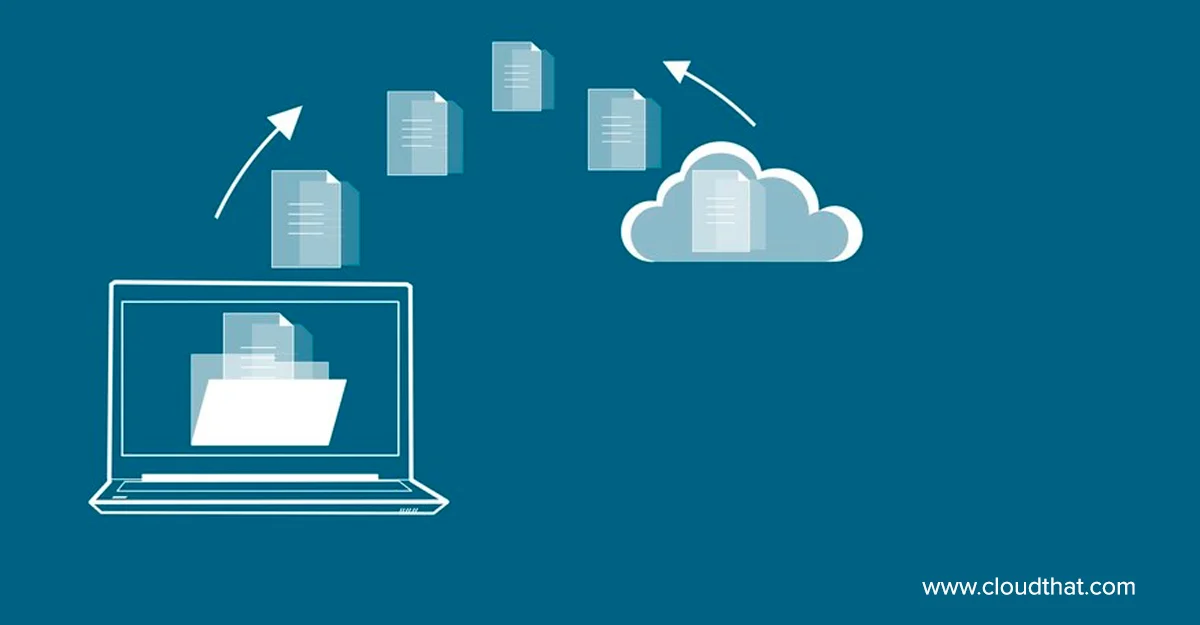
However, this separation creates challenges when data needs to be shared or moved between systems. Cross-account data migration is the transfer of data from a database in one account to another.
Traditionally, this process involves exporting data to files such as CSVs or database dumps, then importing them into the target system. While effective, these methods can be slow, resource-intensive, and prone to errors, especially with large datasets that may require downtime.
This enables controlled and selective migration. For example, organizations can migrate only specific user records instead of entire datasets, improving efficiency and reducing complexity.
Pioneers in Cloud Consulting & Migration Services
- Reduced infrastructural costs
- Accelerated application deployment
Why Cross-Account Migration Matters?
Cross-account migration is essential in modern cloud architectures for several reasons:
Security:
Separating databases across accounts limits access and reduces the risk of widespread exposure. If one system is compromised, others remain protected.
Environment Isolation:
Development and testing environments are kept separate from production to avoid unintended impact. Data often needs to move between these environments after validation.
Compliance and Governance:
Regulations may require strict separation of sensitive production data from non-production environments.
Traditional migration methods can be inefficient in such setups due to manual steps and potential inconsistencies. FDW simplifies this by enabling direct querying of remote data, making migrations faster and more reliable.
Prerequisites
Before implementing FDW, ensure the following requirements are met:
Network Connectivity:
The target database must be able to connect to the source database. This may involve configuring firewalls, VPNs, or security groups.
Database Permissions:
Create a user in the source database with read-only access to the required tables.
FDW Extension:
Enable the PostgreSQL FDW extension in the target database.
Data Planning:
Identify which schemas and tables need to be migrated to avoid unnecessary transfers.
Connectivity Testing:
Verify that the target database can successfully connect to the source before starting the migration.
Step-by-Step Implementation
- Enable FDW Extension
|
1 |
CREATE EXTENSION postgres_fdw; |
- Create Foreign Server
|
1 2 3 |
CREATE SERVER source_account FOREIGN DATA WRAPPER postgres_fdw OPTIONS (host 'source-db-host', dbname 'source_database', port '5432'); |
- Create User Mapping
|
1 2 3 |
CREATE USER MAPPING FOR current_user SERVER source_account OPTIONS (user 'source_user', password 'source_password'); |
- Import Foreign Schema
|
1 2 3 |
IMPORT FOREIGN SCHEMA public FROM SERVER source_account INTO public; |
After this step, remote tables appear as foreign tables in the local database.
- Data Migration Process
Once foreign tables are available, migration can be performed using standard SQL.
Full Data Migration:
|
1 2 |
INSERT INTO local_table SELECT * FROM foreign_table; |
Filtered Migration:
|
1 2 3 |
INSERT INTO local_table SELECT * FROM foreign_table WHERE created_date > '2024-01-01'; |
Incremental Migration:
|
1 2 3 4 |
INSERT INTO local_table SELECT * FROM foreign_table WHERE id > (SELECT MAX(id) FROM local_table); |
Incremental migration is especially useful for ongoing synchronization, as it transfers only new records and reduces system load.
Advantages of FDW
No File-Based Transfers:
Eliminates the need to export and import large files.
Flexibility:
Data can be filtered, transformed, or joined using SQL before migration.
Incremental Migration:
Supports batch-wise data transfer, improving performance and reducing risk.
Operational Simplicity:
The entire process can be managed using SQL scripts and automated workflows.
Challenges and Best Practices
While FDW is powerful, some challenges should be considered:
Network Latency:
Remote queries depend on network performance. Always filter data before transferring to reduce load.
Security Risks:
Limit access to necessary users and use encrypted connections where possible.
Best Practices
- Migrate data in smaller batches
- Use indexes on frequently filtered columns
- Monitor query performance
- Test in a staging environment before production
- Remove foreign servers and mappings after migration if not needed
These practices help maintain performance, security, and data integrity.
Conclusion
Cross-account data migration is a common requirement in distributed systems. Traditional file-based approaches can be slow and difficult to manage, particularly for large datasets.
PostgreSQL’s Foreign Data Wrapper offers a more efficient alternative by enabling direct access to remote tables. This allows for selective, incremental, and controlled data migration using simple SQL queries.
For organizations managing multiple environments, FDW provides a scalable and reliable solution that reduces operational complexity and improves efficiency.
Drop a query if you have any questions regarding PostgreSQL and we will get back to you quickly.
Empowering organizations to become ‘data driven’ enterprises with our Cloud experts.
- Reduced infrastructure costs
- Timely data-driven decisions
About CloudThat
FAQs
1. Is FDW only for PostgreSQL?
ANS: – The postgres_fdw extension is designed for PostgreSQL-to-PostgreSQL communication, though other wrappers exist for different databases.
2. Can FDW handle large migrations?
ANS: – Yes, by using batch or incremental migration strategies to maintain performance.
3. Does FDW work with cloud databases like Amazon RDS?
ANS: – Yes, as long as network connectivity and permissions are properly configured.


WRITTEN BY Esther Jelinal J
Esther Jelinal J is a Research Associate at CloudThat, working as a Full Stack Developer with a strong focus on backend development. She is skilled in technologies such as React.js, Node.js, JavaScript, Python, PostgreSQL, and AWS. With a strong passion for cloud technologies, Esther is growing her expertise as a cloud-native developer. She is enthusiastic about exploring emerging technologies and has the potential to build innovative, scalable solutions.


 PREV
PREV








Comments